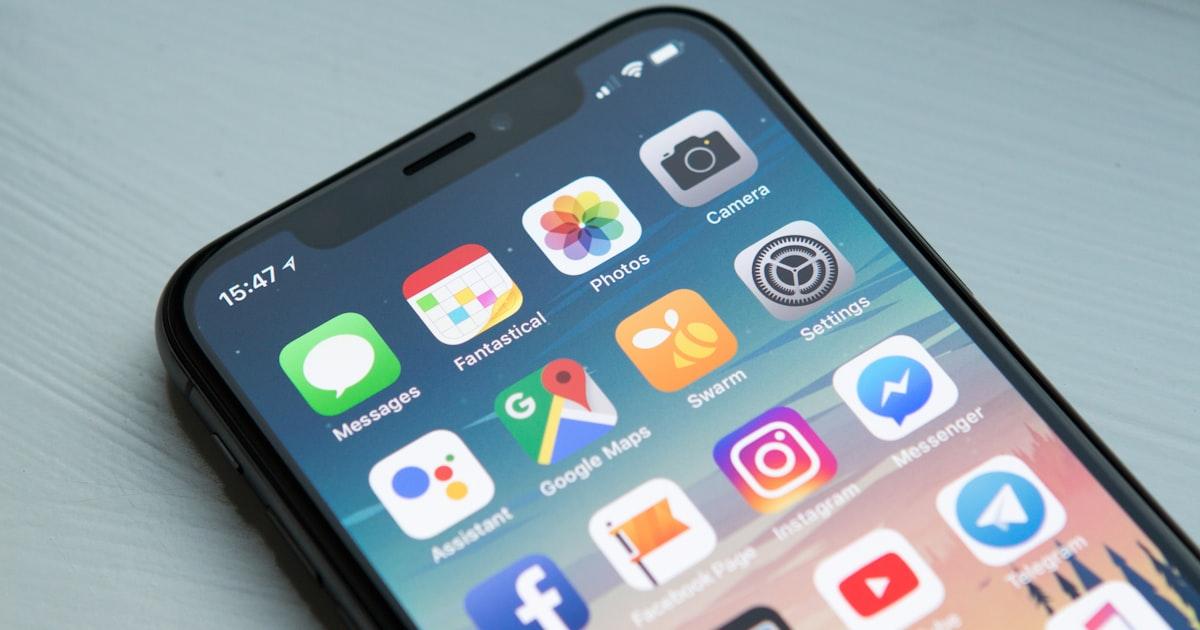
Mobile devices now account for over 60% of global web traffic, and this trend shows no signs of slowing. Yet many businesses still design for desktop first and retrofit for mobile as an afterthought. In 2025, this approach doesn't just lead to poor user experiences. It actively costs you customers and search rankings.
What Does Mobile First Actually Mean?
Mobile first is a design and development philosophy where you start with the smallest screen and progressively enhance for larger ones. It's not just about making your website responsive. It's about fundamentally rethinking how users interact with your product when they're on the go, using touch interfaces, and dealing with variable connectivity.
This approach forces you to prioritise what truly matters. When screen real estate is limited, every element must earn its place. The result is usually a cleaner, more focused experience across all devices.
The SEO Imperative
Google has been using mobile first indexing since 2019, meaning it primarily uses the mobile version of your site for ranking and indexing. If your mobile experience is subpar (slow load times, poor layout, inaccessible content) your search rankings will suffer regardless of how polished your desktop site looks.
- Core Web Vitals are measured primarily on mobile devices
- Mobile page speed directly impacts search ranking position
- Mobile usability issues trigger warnings in Google Search Console
- Interstitials and pop ups are penalised more heavily on mobile
Performance Is the Foundation
Mobile users are typically on slower connections and less powerful devices than desktop users. A mobile first strategy demands obsessive attention to performance. This means optimising images with modern formats like WebP and AVIF, implementing lazy loading, minimising JavaScript bundles, and leveraging edge computing to serve content from locations closer to your users.
“A one second delay in mobile page load time can reduce conversions by up to 20%. Performance isn't a nice to have. It's revenue.”
— Google Web Performance Research
Touch First Interaction Design
Designing for touch requires fundamentally different thinking than designing for mouse and keyboard. Touch targets need to be at least 44x44 pixels. Gestures like swipe, pinch, and long press should feel natural. Forms need to be simplified and leverage mobile specific input types for dates, emails, and phone numbers.
Navigation patterns that work beautifully on desktop, like mega menus with nested dropdowns, often become unusable on mobile. Bottom navigation bars, swipeable tabs, and slide out panels are patterns that respect how people actually hold and interact with their phones.
Progressive Web Apps: The Best of Both Worlds
Progressive Web Apps (PWAs) bridge the gap between websites and native apps. They offer offline functionality, push notifications, home screen installation, and near native performance, all without requiring app store distribution. For many businesses, a well built PWA eliminates the need for separate native app development while delivering a superior mobile experience.
Building Your Mobile First Strategy
- 1.Audit your current mobile experience with tools like Google Lighthouse and PageSpeed Insights
- 2.Analyse your mobile traffic data to understand how users actually interact with your site
- 3.Prioritise content and features based on mobile user needs and behaviours
- 4.Design interfaces for touch first, then enhance for larger screens
- 5.Optimise performance relentlessly. Target sub 3 second load times on 3G
- 6.Test on real devices across different screen sizes and operating systems
- 7.Monitor Core Web Vitals and mobile specific metrics continuously
A mobile first strategy isn't a one time project. It's an ongoing commitment to meeting users where they are. At Encode Digital, we build every project with mobile first principles, ensuring your digital product delivers an exceptional experience on every device.
Cover photo by Rodion Kutsaiev on Unsplash